
QuickBooks Online vs Desktop: Which Fits?
- Clark Schaffer
- 5 days ago
- 6 min read

If you are weighing quickbooks online vs desktop, the real question is not which product is better in the abstract. It is which one fits the way your business actually runs. For a small business owner, that difference matters because bookkeeping software affects how quickly transactions get recorded, how easily accounts get reconciled, and how reliable your financial reports are when you need to make decisions.
This choice often comes up when a business is growing, changing staff, or trying to clean up years of inconsistent bookkeeping. Some owners are comfortable with a traditional installed program and want control over where data lives. Others need flexible access, bank feeds, and easier collaboration with a bookkeeper or accountant. Both preferences are reasonable. The better option depends on your workflow, your comfort with technology, and how hands-on you want to be.
QuickBooks Online vs Desktop: The core difference
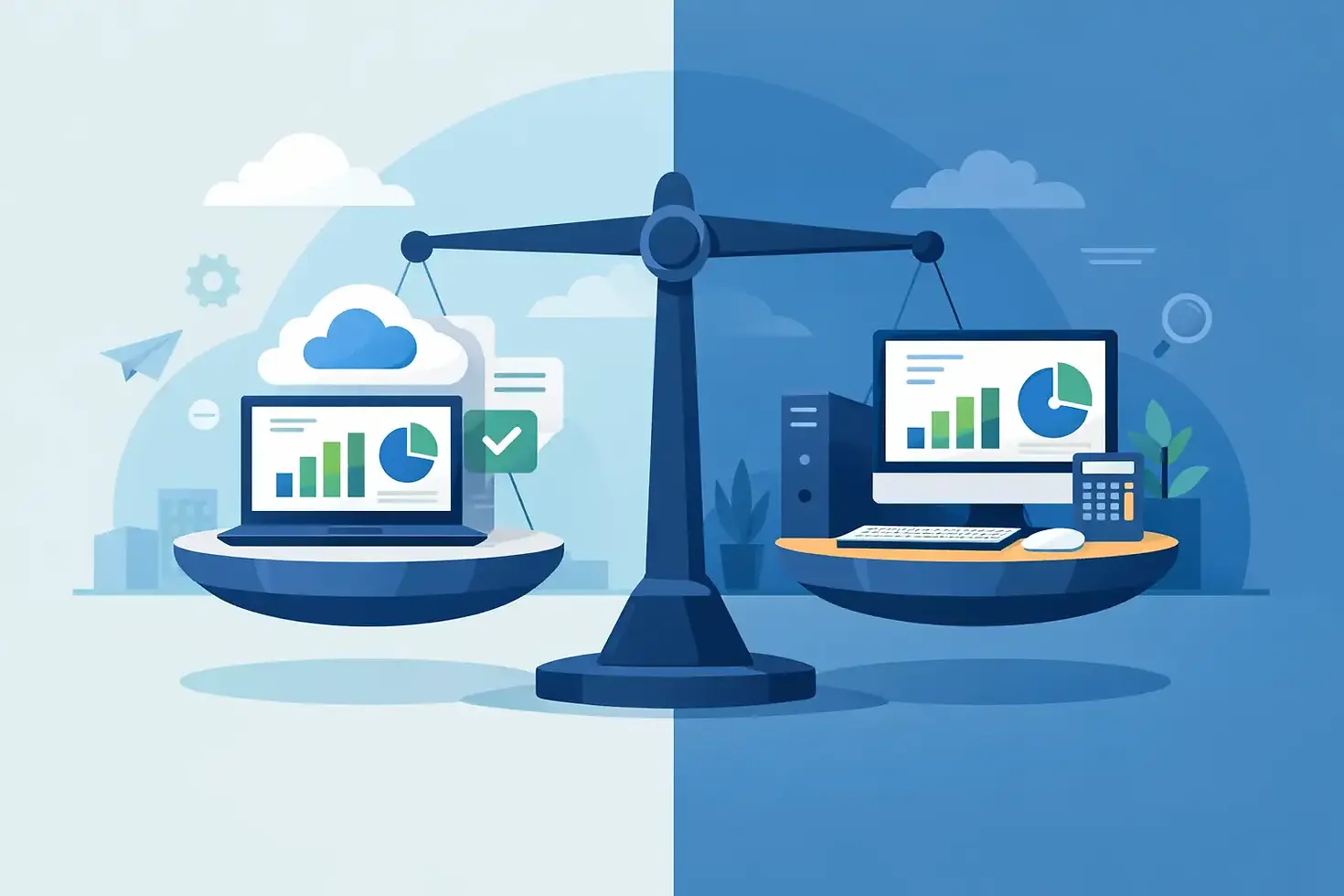
The simplest way to think about quickbooks online vs desktop is this: QuickBooks Online is built for cloud access and ongoing collaboration, while QuickBooks Desktop was built around a locally installed system with more traditional company-file management.
QuickBooks Online lets you sign in from a browser and work from almost anywhere. That tends to suit owners who travel, manage a remote team, or want their bookkeeping provider to review the books without sending backup files back and forth. It also tends to make routine bookkeeping work more efficient because connected bank and credit card feeds are central to the system.
QuickBooks Desktop, by contrast, appeals to businesses that are used to a local software environment and prefer working from a specific computer or hosted desktop setup. Many long-time users know the interface well and can move quickly inside it. For certain businesses, familiarity alone is a strong reason to stay put.
Access and day-to-day bookkeeping
For many small businesses, daily usability is where the difference becomes clear.
With QuickBooks Online, access is usually easier. An owner can review reports from the office, from home, or while traveling. A bookkeeper can log in, categorize transactions, reconcile accounts, and generate financial statements without needing the business owner to email files or schedule system access. If multiple people need visibility, Online is generally the cleaner setup.
Desktop can work well if bookkeeping is handled by one person in one place. If that is your model, remote access may not matter much. But once more than one person needs to work in the books, the process can become less convenient unless you invest in hosting or maintain a structured internal process. That added complexity is not always a problem, but it should be an intentional choice.
Features are not the only issue
Business owners often start by comparing feature lists. That makes sense, but it can also lead to the wrong decision.
Some versions of QuickBooks Desktop have historically offered deeper functionality in certain areas, especially for users with more established internal accounting habits or industry-specific preferences. On paper, that can make Desktop look stronger. In practice, many small businesses do not use most of those advanced capabilities consistently enough to justify the trade-offs in accessibility and collaboration.
QuickBooks Online may feel simpler in some areas, but simpler is not always a disadvantage. For a service business, consultant, contractor, or small retail operation, the software that actually gets used correctly is usually the better choice. Clean reconciliations, timely transaction review, and dependable monthly financial statements matter more than owning features that sit untouched.
Bank feeds, reconciliation, and staying current
This is one of the most practical reasons many small businesses move toward Online.
When bank and credit card transactions flow in regularly, bookkeeping stays current more easily. That does not remove the need for review. Transactions still need proper categorization, accounts still need reconciliation, and errors still need correction. But the workflow is generally more efficient, which reduces the risk of falling behind.
Desktop can handle imported data too, but the process is often less direct depending on the setup. If your books are already months behind, any extra friction matters. The harder it is to keep records current, the more likely it is that financial statements will be delayed or unreliable.
For owners who want timely reports without spending their evenings managing bookkeeping tasks, Online often fits better with that goal.
Cost is not just the subscription price
The cost conversation around quickbooks online vs desktop can get oversimplified.
Some business owners look at a recurring online subscription and immediately assume Desktop is cheaper. Sometimes that is true in a narrow sense. But software cost is only one part of the picture. You also need to think about the time spent managing files, coordinating access, handling backups, troubleshooting version issues, and working around collaboration limits.
If Online saves hours every month and makes it easier for your bookkeeping professional to maintain accurate records, that operational value deserves real weight. On the other hand, if your business already has a stable Desktop process, limited users, and no need for remote collaboration, switching costs may outweigh the benefit.
Good decisions here come from looking at total effort, not just the line item on a pricing page.
Reporting and financial visibility
Most small business owners do not need dozens of specialized reports. They need a profit and loss statement they can trust, a balance sheet that makes sense, and enough visibility to manage cash flow and taxes.
QuickBooks Online usually serves those needs well, especially when the books are maintained consistently. If your bookkeeping process includes regular reconciliation and monthly review, the reporting can be timely and useful. That is often more valuable than having a larger library of reports that nobody reviews.
Desktop can still be a strong reporting tool, especially for businesses with an established accounting rhythm and users who know the software well. But reporting quality depends more on the quality of bookkeeping than on the platform itself. Messy records produce bad reports in any system.
Which businesses tend to prefer QuickBooks Online
QuickBooks Online is often a strong fit for businesses that want flexibility, simpler collaboration, and current books. That includes many owner-operated service businesses, newer companies building their finance process, and established small businesses that are tired of bookkeeping bottlenecks.
It also tends to fit well when an outside bookkeeper handles transaction imports, reconciliations, and monthly statements. Clarksbooks works in that environment regularly, and the advantage is straightforward: when the system is easier to access and maintain, it becomes easier to keep the books accurate and useful.
If your priority is organized records without building an internal accounting department, Online usually deserves serious consideration.
Which businesses may stay with Desktop
Desktop may still make sense if your business has used it for years, your workflow is stable, and the software already supports your operation without causing delays. If your team is comfortable with it and your reporting is timely, there may be no urgent reason to change.
It can also make sense for owners who strongly prefer a local-software environment and do not need frequent outside collaboration. In those cases, the best move may be to improve procedures around backups, file control, and monthly close rather than switch platforms.
The key is honesty about whether the current system is truly working or whether the business is simply used to it.
How to make the right call
If you are deciding between the two, start with your actual bookkeeping habits. Ask how transactions enter the system, who reviews them, how often accounts are reconciled, and how quickly you can get accurate financial statements. Then look at who needs access and whether your current setup creates delays.
If your books are often behind, if your accountant or bookkeeper struggles to get access, or if you need information from multiple locations, Online is often the more practical answer. If your Desktop process is stable, controlled, and producing dependable reports without extra effort, keeping it may be reasonable.
Software should support disciplined bookkeeping, not make it harder. The businesses that make the best decision here are usually the ones focused less on product loyalty and more on what gives them cleaner records and better visibility.
A good bookkeeping system should reduce stress, not add another layer of it. Choose the version that makes it easier to stay organized month after month, because consistency is what turns accounting software into useful financial information.



Comments